
Required Documents Before You Begin
To ensure a smooth application process, please have the following documents and information ready:
-
EIN Letter (Employer Identification Number confirmation).
-
Valid Passport from an approved country.
-
U.S. Phone Number or a phone number from an approved country (VoIP numbers are not accepted).
-
Proof of Residence (lease agreement, property deed, utility bill, or local bank statement).
-
Business Address: must be a physical location in the U.S. (a virtual address may be used here).
-
Mailing Address: must also be the virtual address.
-
Articles of Incorporation/Organization (state registration document).
-
Operating Agreement (company’s internal agreement).
⚠️ Important: The application must be submitted from within the U.S. or from an approved country. Use of VPNs is strictly prohibited. If any requirement is not met, the application will be automatically rejected.
Starting the Application
Access the Platform
-
Click on “Bank Accounts” and select Lili.
-
Enter your name, email, and phone number.
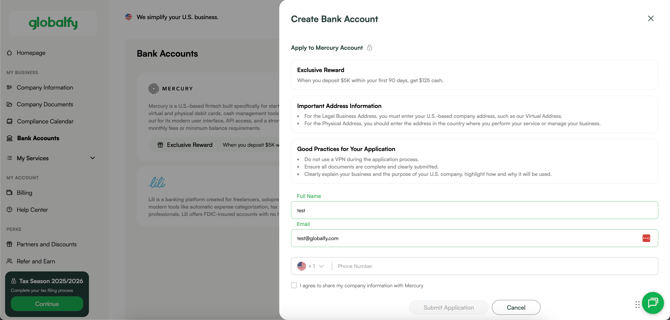
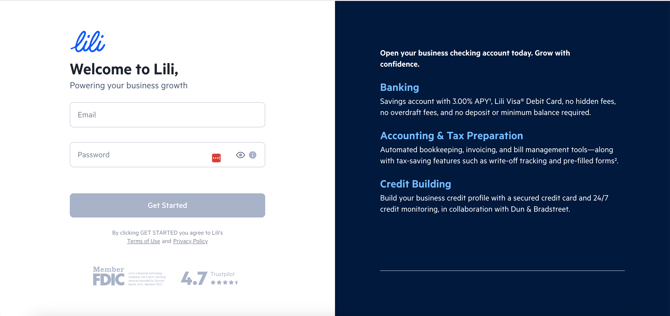
- Enter your email address and create a password.
-
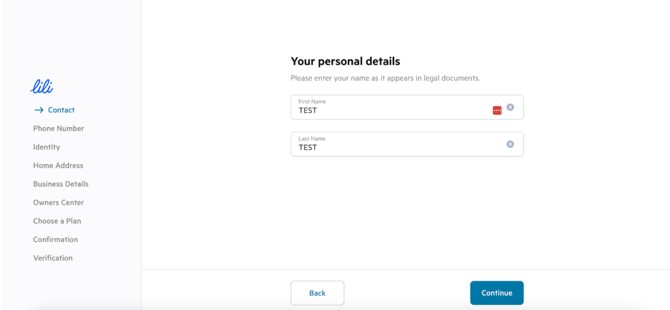
Provide your first and last name, along with your phone number.
-
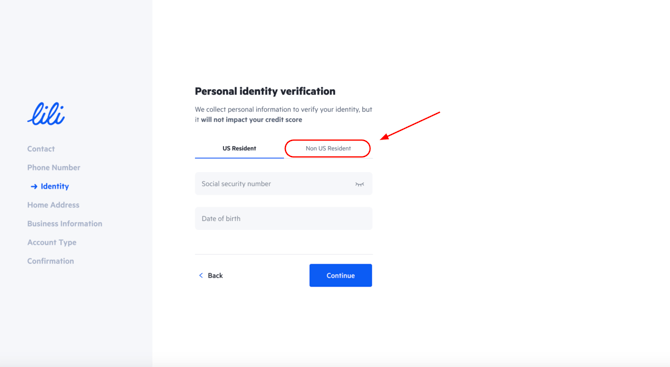
Indicate whether or not you are a U.S. resident, then enter your identification number and date of birth.
-
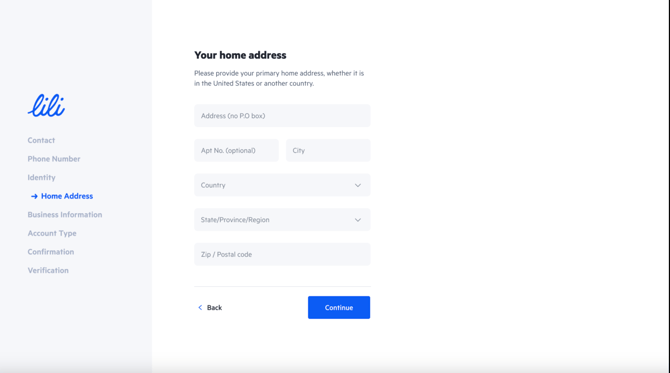
Enter your full residential address.
Business Information
-
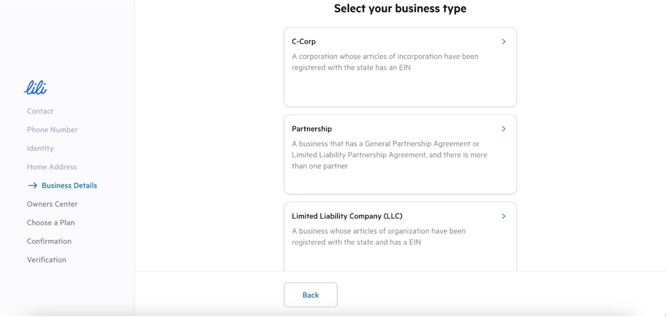
Select your business type (verify this on your formation documents).
-
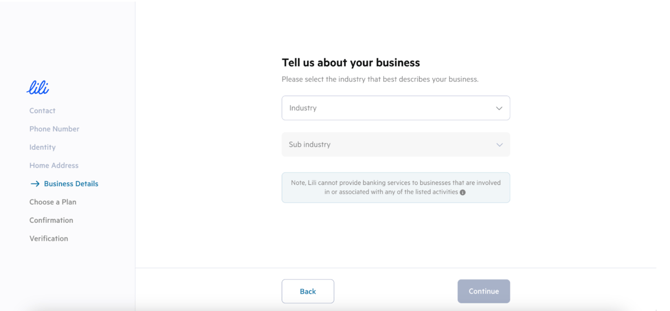
Describe your business in English: include your company’s activity, services, client locations, and how you plan to operate. Upload the required company documentation.
-
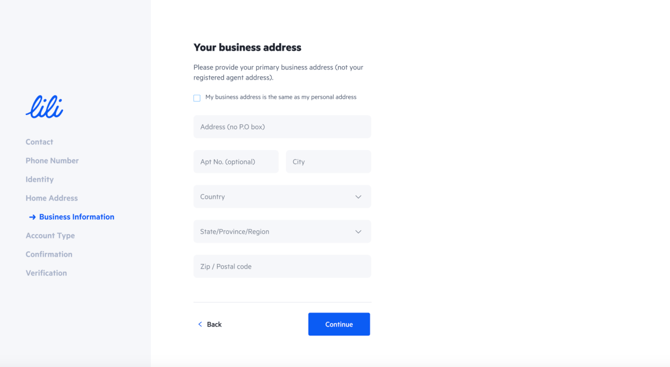
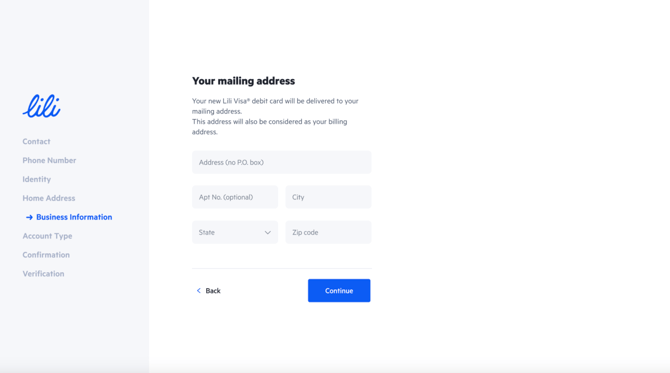
In Business address, enter the physical location where your company operates.
-
This can be outside the U.S. and may even be your residential address if you work from home.
-
-
In the Mailing address section, enter Globalfy’s virtual address.
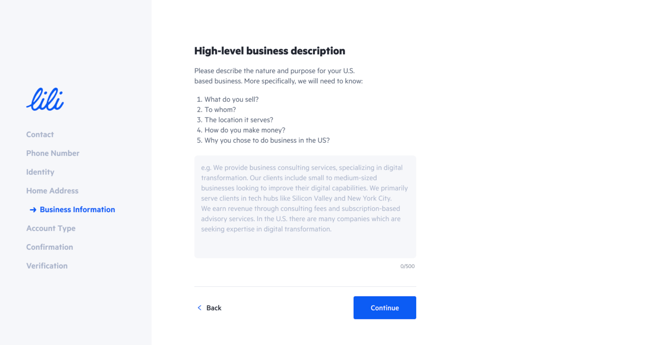
Detailed Business Explanation:
-
What do you sell?
-
Who are your clients?
-
Where are they located?
-
How will your business generate revenue?
-
Why did you choose to operate in the U.S.?
-
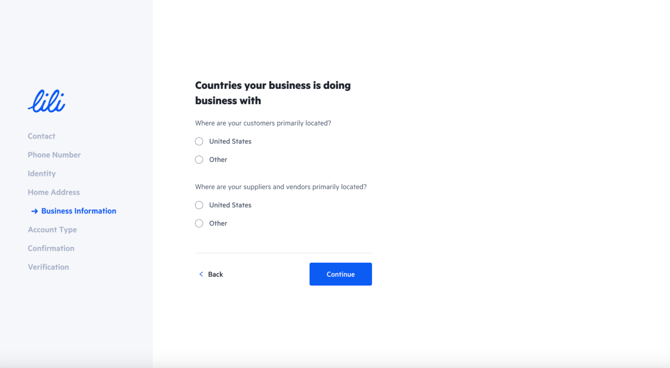
Business Locations: list the countries where you will have clients. The U.S. must always be included.
-
If you will be doing business in other countries, you may list them as well.
-
-
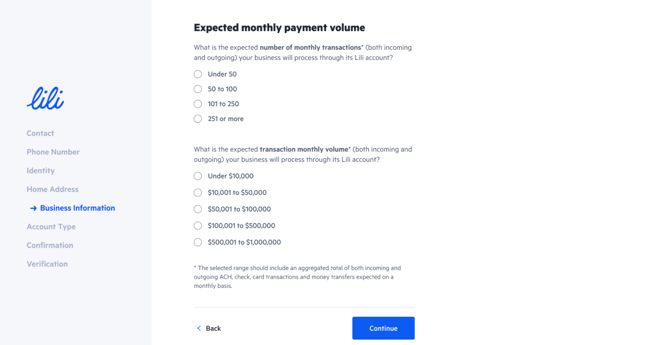
Expected Payment Volume: enter the estimated monthly payment volume your account will receive.
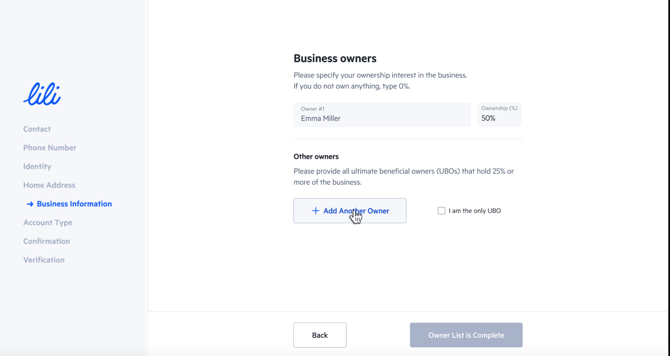
Business Owners
-
Add all company owners with more than 25% ownership.
-
Provide the personal information of each partner.
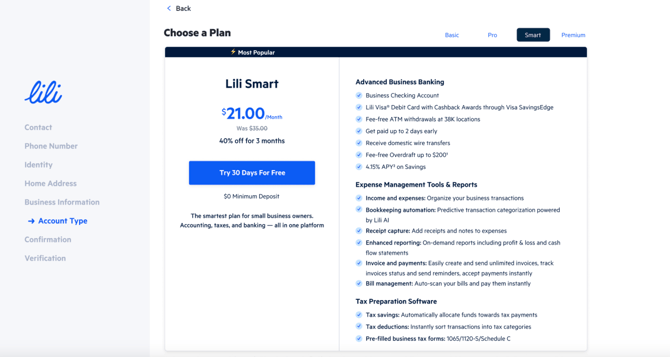
- Choose the account plan you would like to open with Lili. Depending on the type of account, you will have access to more or fewer tools:
- This can also be updated in the future.
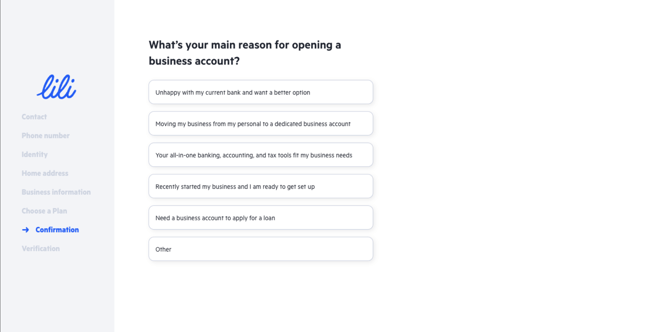
-
Indicate the reason for opening a business bank account, selecting the option that best fits your case.
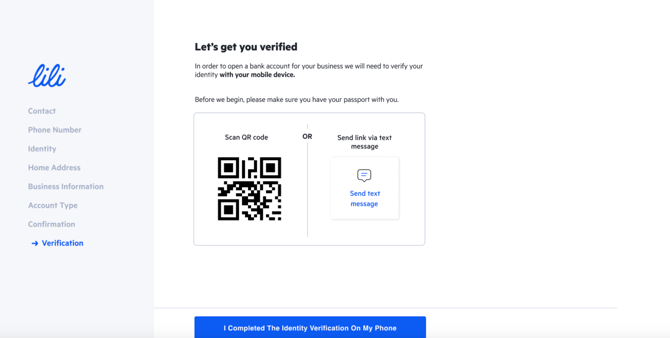
Verification
-
The system will begin the verification process.
-
Have your phone and passport ready for this step.
Company Documents
Upload the following documents:
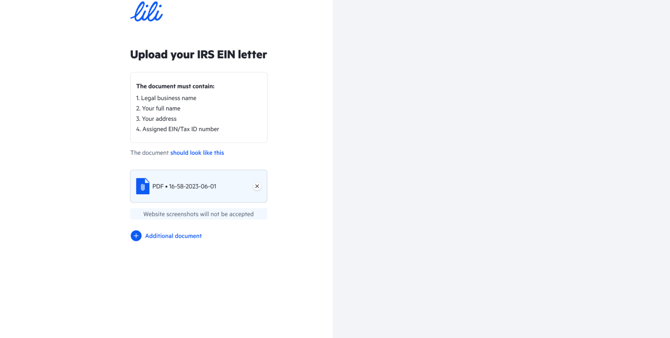
- EIN confirmation letter.
-
Certificate of Formation / Articles of Organization (state registration document).
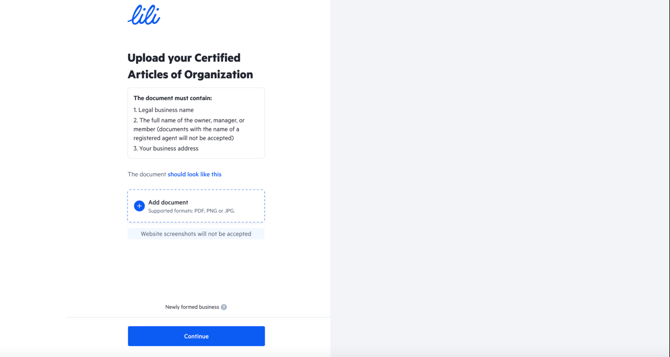
These documents can be found in the Company Documents section of the Globalfy Platform. If they are not available, contact the customer experience team to request them.
Proof of Residential Address
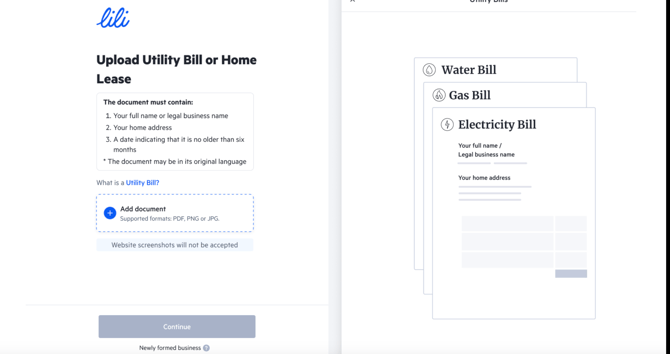
In this section, you may upload a recent utility bill (such as water, electricity, or internet) or another accepted document listed in this guide.
Completion
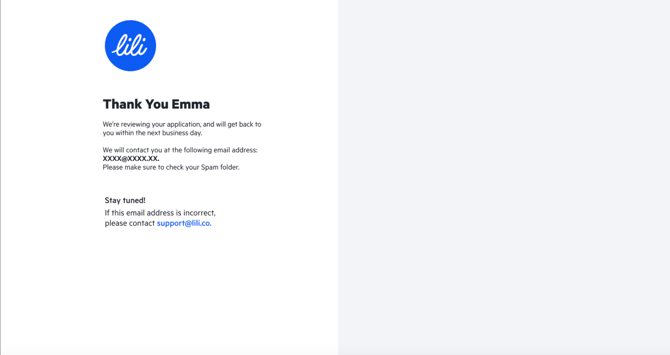
Once all steps are completed, the system will display a confirmation message. You will receive a response within 1 business day.
After Approval
Once your account is approved:
-
You must deposit funds into Lili promptly to keep the account active and in good standing.
- We recommend taking this tour of how to use Lili's dashboard.
Possible Additional Requirements
-
Businesses with multiple foreign owners (UBOs) are permitted.
-
Each UBO holding more than 25% ownership must provide their own documentation.
-
Business owners with multiple companies may open additional accounts once the first account is approved, directly through their Lili Dashboard.

If you still have any questions or need further assistance with this topic, we are here to help!
✉️ Simply contact us via email at help@globalfy.com or send a WhatsApp message to +1 (866) 428-2030. Our team will be happy to assist you.