
To ensure a smooth application process, please prepare the following documents and information:
- EIN Confirmation Letter (Employer Identification Number).
- Valid Passport from an approved country.
- Proof of Residence (utility bill, local bank statement, or tax document).
- Articles of Incorporation/Organization (state registration document).
Starting the Application
Access the Platform
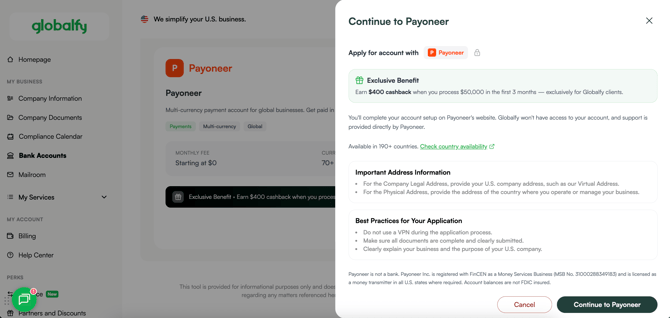
- Go to the Globalfy's Platform.
- Select “Bank Accounts” and choose Payoneer.
- Review the information carefully, then click “Continue to Payoneer”.
Create your account
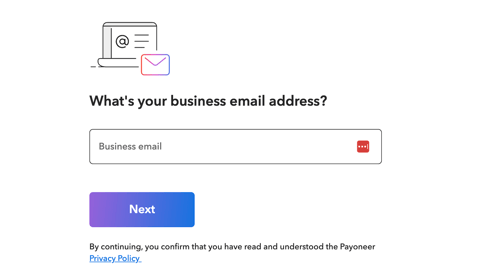
- Enter your business email address.
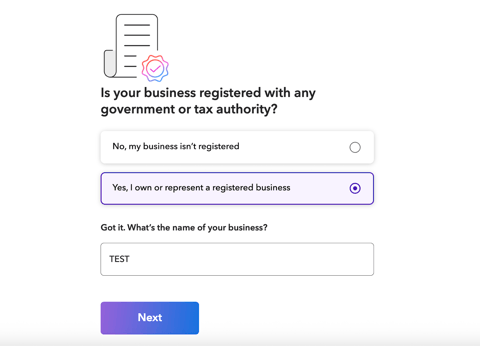
- Business Information: Confirm your company is registered with a government or tax authority and provide the business name.
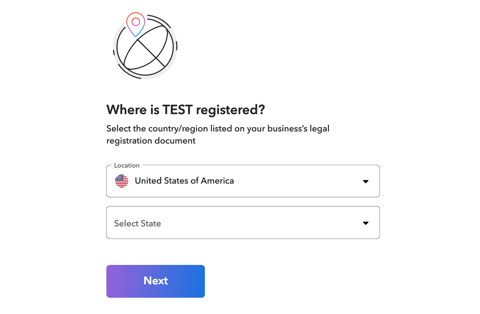
- Country/Region: Select United States and the state where your company is registered.
- Mobile Phone Number: Provide a number where the bank can reach you (U.S. or your country of residence).
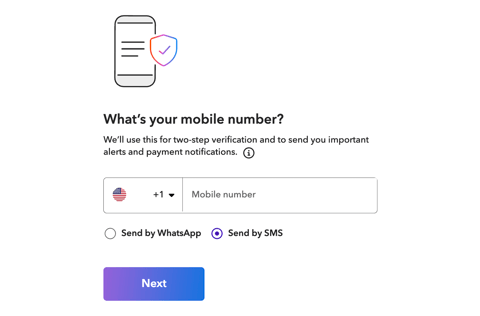
- You will receive a 6-digit code via WhatsApp or SMS. Enter it to proceed.
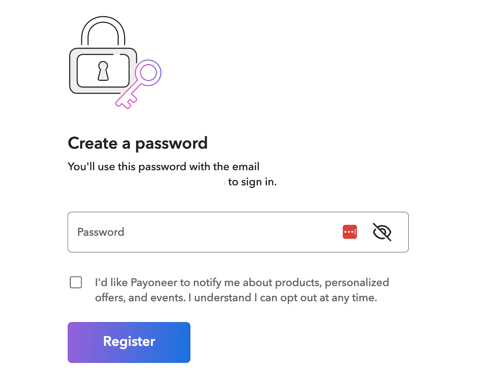
- Create a strong password: Must include at least one number, one English letter, and be at least 7 characters long.
Add your company's information
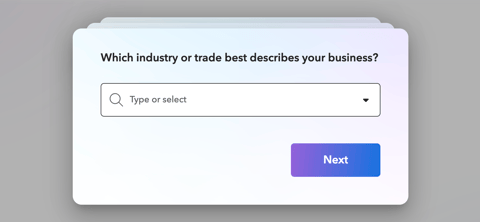
- Business Industry: Select the industry or trade that best describes your business.
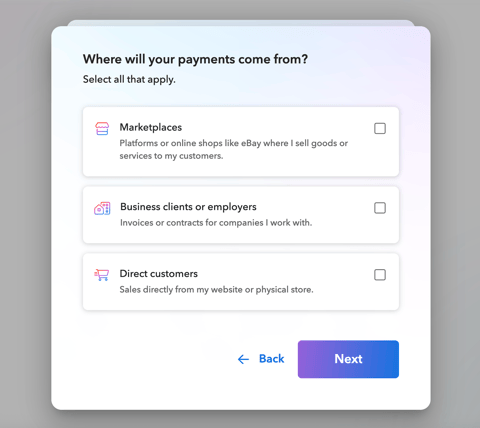
- Payment Sources: Indicate whether payments will come from marketplaces, business clients/employers, or direct customers. Select all that apply.
- Provide estimates for: Monthly number of payments and approximate amounts.
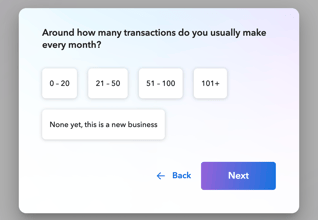
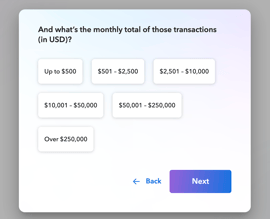
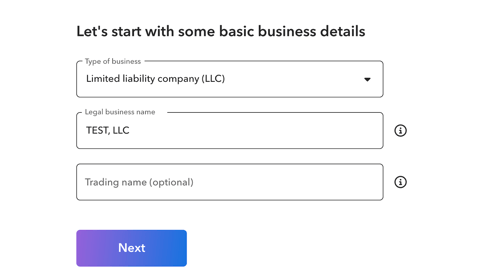
- Business Type: Select your company’s legal structure and enter the name. Add the trading name only if applicable.
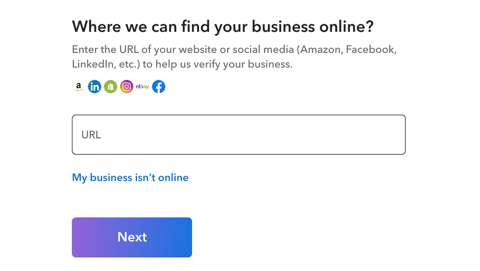
- Website: Optional. If you don’t have one, select “My business is offline” – Payoneer will request additional documentation to verify your information.
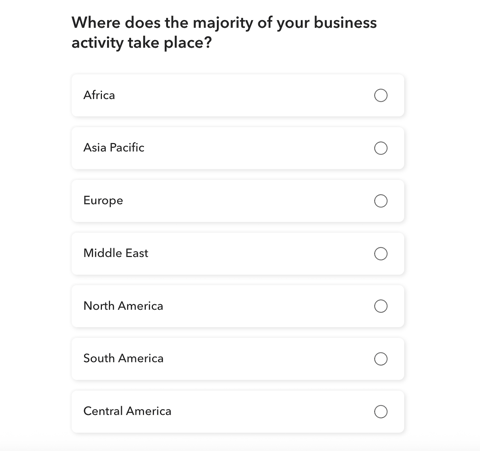
- Countries of Operation: Choose where your company conducts most of its activity.
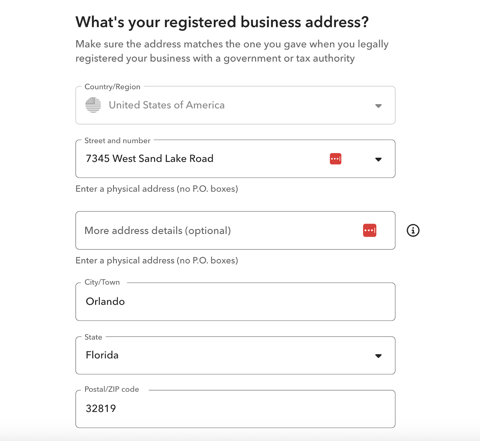
- Registered Business Address: Enter the Virtual Address.
- Click “My business’s main office is located at a different address” and provide the physical address (this may be in your country of residence).
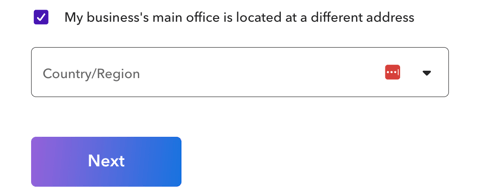
- Click “My business’s main office is located at a different address” and provide the physical address (this may be in your country of residence).
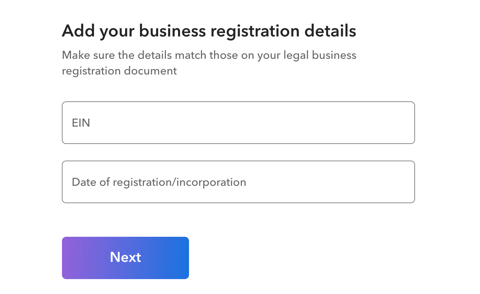
- Company Details: Enter the EIN and date of incorporation.
Personal Details:
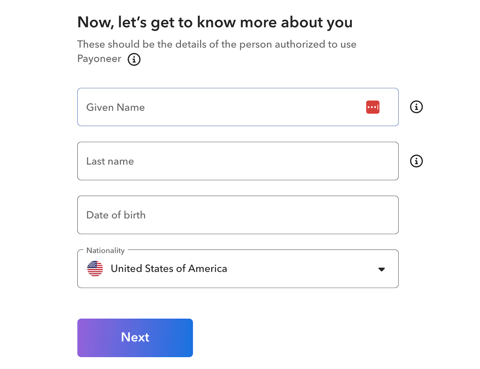
- Full Name: Enter your first and last name exactly as shown on your ID, along with date of birth and nationality.
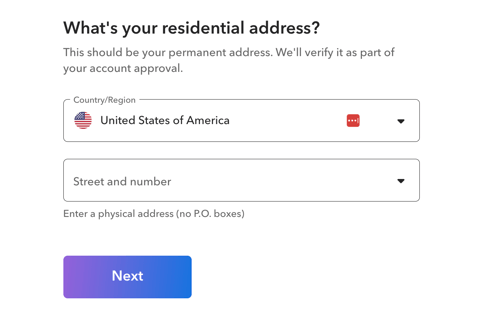
- Residential Address: Provide your complete home address.
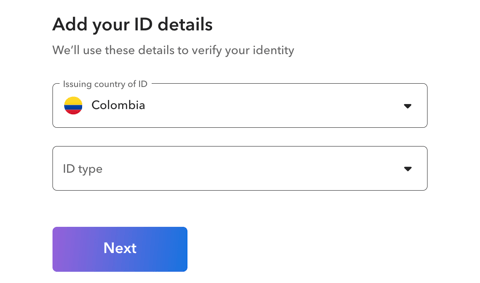
- ID Details: Select the issuing country, ID type, and ID number.
Banking Details:
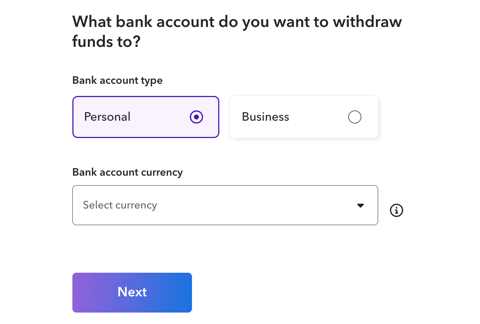
- Bank Country and Name: Choose from the listed countries and enter the bank’s name.
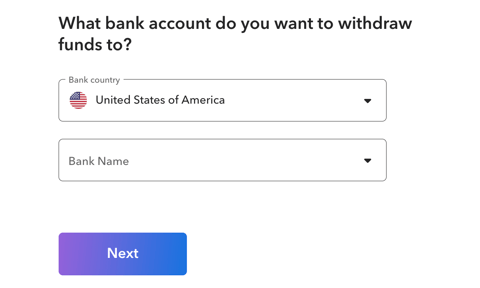
- Specify the account type and currency.
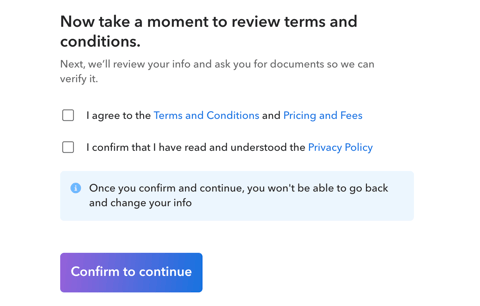
- Terms and Conditions: Read carefully and click “Confirm to continue” if you agree.
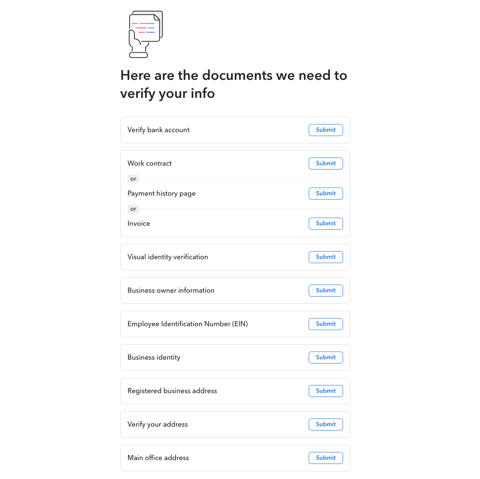
Account Setup
- Click each section and complete the pending actions.
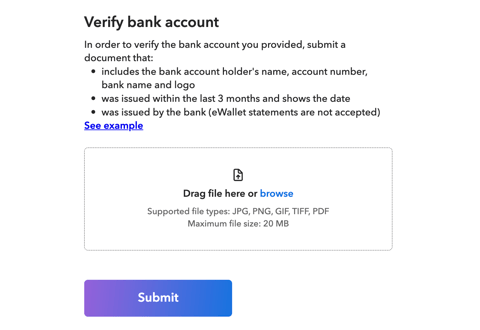
Bank Account Verification
-
Submit an official document (issued within the last 90 days) that includes your name, account number, bank name, and logo.
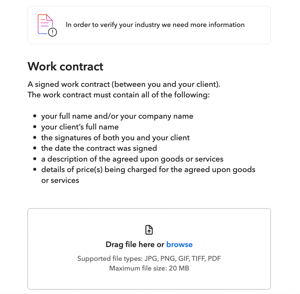
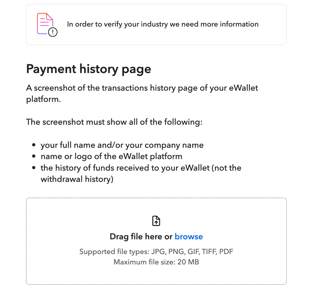
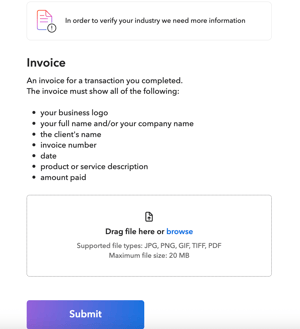
Verify your business's industry
- Provide one of the following: Work contract, Payment history page, or Invoice.
Visual Identity Verification
- Review the terms and conditions, check the box, and continue if you agree.
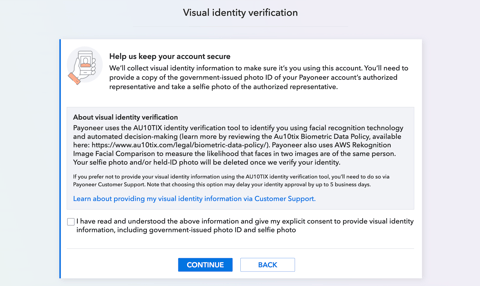
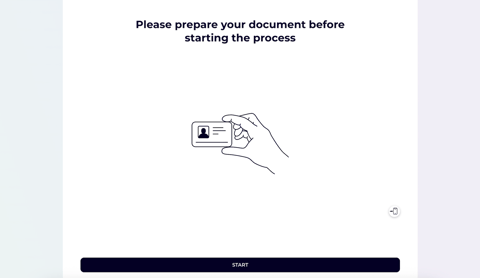
- ID Verification: Prepare your document and follow the steps provided.
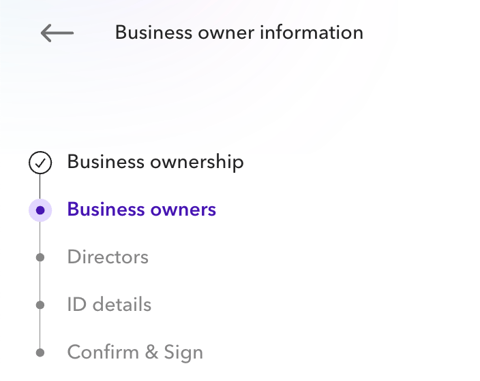
Business owner information
-
Provide details of all directors and shareholders owning more than 25% of the company.
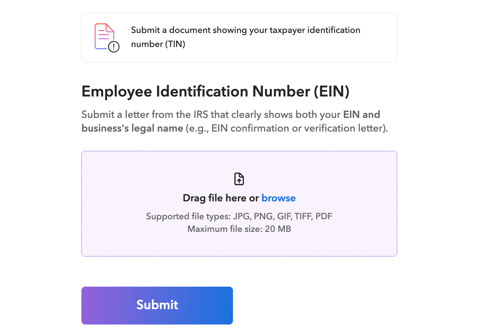
Employee Identification Number (EIN)
-
Upload the EIN confirmation letter.
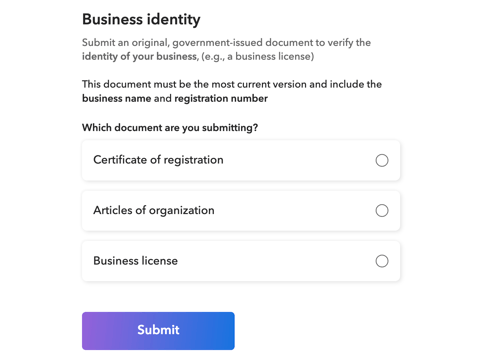
Business Identity
-
Upload the original Certificate of Formation: Certificate of Registration, Articles of Organization, or Business License.
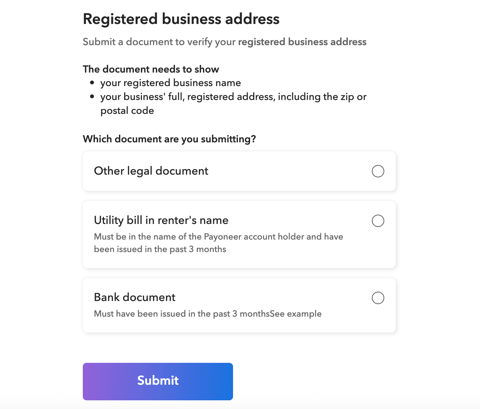
Registered business address
-
Submit a utility bill, bank document, or other legal document.
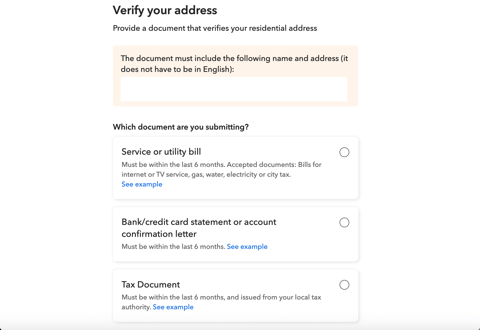
Verify your address
-
Upload a utility bill, bank/card statement, account confirmation letter, or tax document to verify the residential address provided in the application.
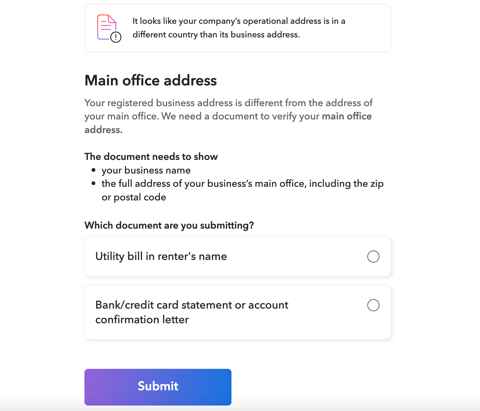
Main office address
-
Upload a utility bill, bank/card statement, or account confirmation letter to verify the operational address provided in the application.

If you still have any questions or need further assistance with this topic, we are here to help!
✉️ Simply contact us via email at help@globalfy.com or send a WhatsApp message to +1 (866) 428-2030. Our team will be happy to assist you.