
Required Documents Before You Begin
To ensure a smooth application process, please have the following documents and information ready:
- Full name.
- Date of birth: You must be at least 18 years old to open a Business account.
- Nationality.
- Email address.
- Phone number.
- Residential address and proof of address: Please make sure to check the Eligible countries and territories for Revolut Business.
- Government ID, passport or residence permit.
⚠️ Important: For a seamless verification process, make sure all documents are fully visible, with no cropped corners or watermarks.
Starting the Application
Access the Platform
- Go to the Globalfy's Platform.
- Click on “Bank Accounts” and select Revolut.
- Read the information carefully and click on “Continue to Revolut”.
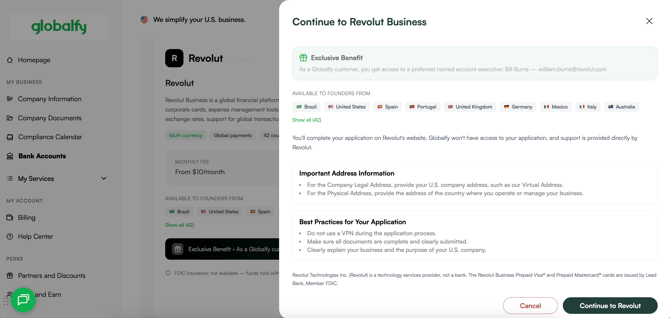
Add your company's information
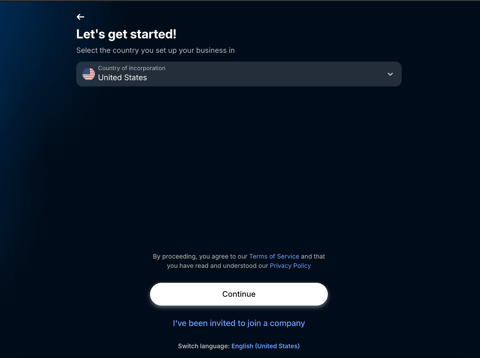
- Country of incorporation: Select United States.
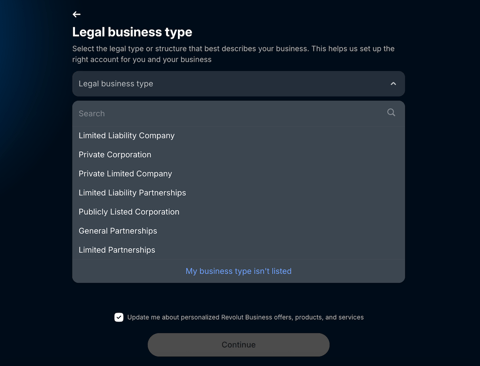
- Business type: Select your company’s legal structure from the available options.
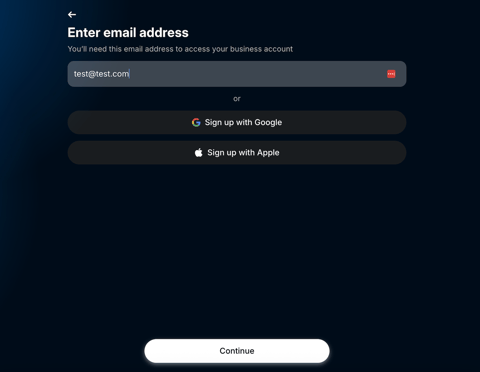
- Enter your email address.
- You will receive an email verification request. Please click on:
- You will receive an email verification request. Please click on:
- Phone number: Provide a number where the bank can easily reach you. It can be either a U.S. number or one from your country of residence.
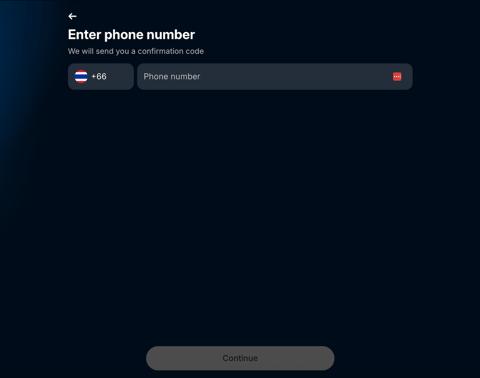
- You will receive a 6-digit code. Please type it in and create a 6-digit passcode.
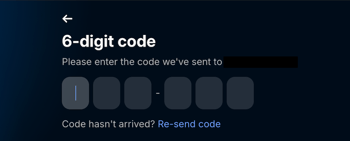
- You will receive a 6-digit code. Please type it in and create a 6-digit passcode.
- Full name: Enter your first and last name exactly as shown on your ID.
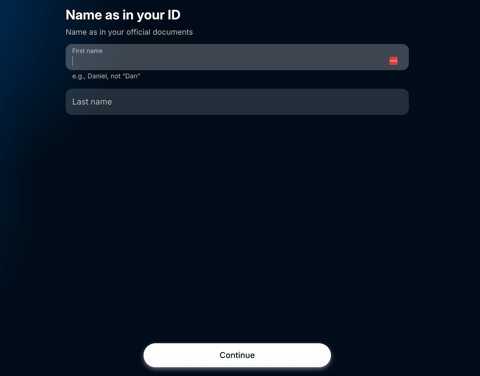
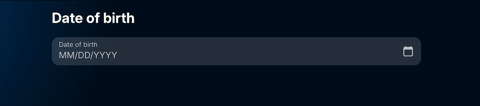
- Provide your date of birth.
- Home address: Enter your complete residential address.
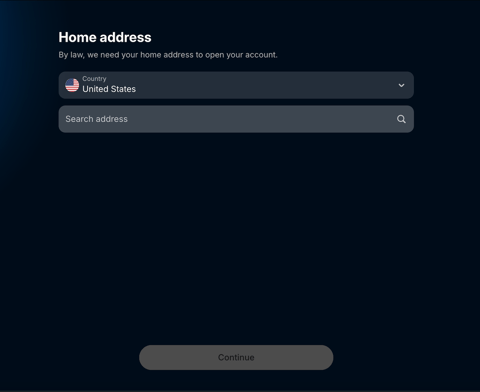
- Make sure the address is in an eligible country. For more details, see Eligible countries and territories for Revolut Business
- Make sure the address is in an eligible country. For more details, see Eligible countries and territories for Revolut Business
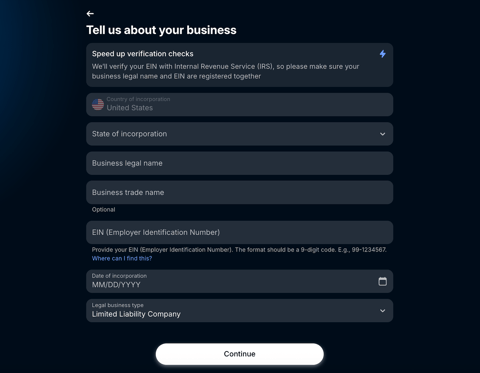
- Company details: Include the state of incorporation, legal business name, trade name (if applicable), EIN, date of incorporation, and legal business type.
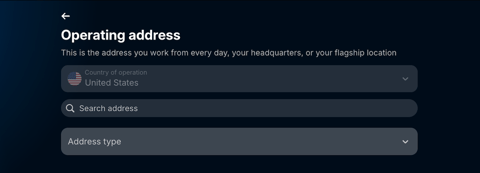
- Operating Address: Specify the location where you work daily.
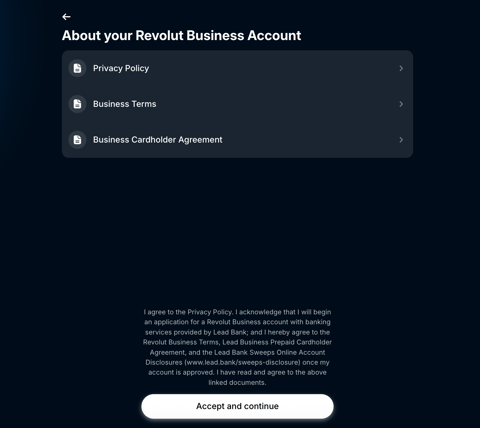
- Terms and conditions: Read carefully and click Continue if you agree.
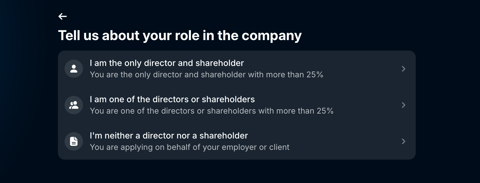
- Your role in the company: Select the appropriate option.
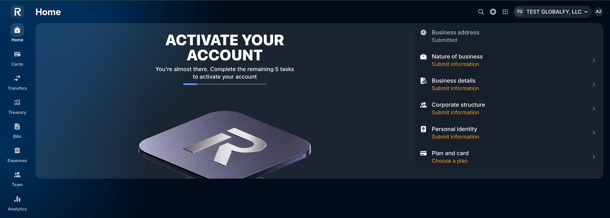
Account Setup
- Click on each section and complete the pending actions.
Nature of Business
-
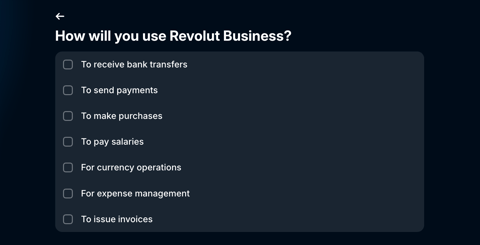
State the reasons for using a Revolut Business account (select all applicable options).
- Provide estimates for:
- Monthly number of payments and estimate amount.
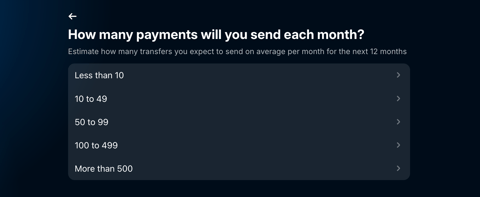
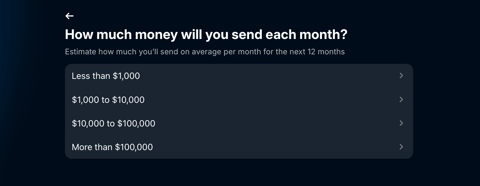
- Monthly number of payments and estimate amount.
-
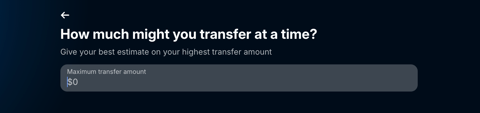
- Monthly transfer amount.
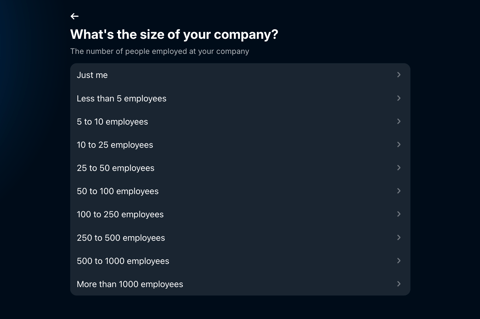
- Number of employees.
- Annual revenue.
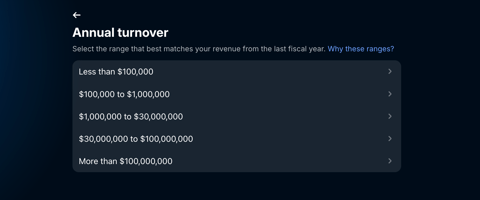
- Monthly transfer amount.
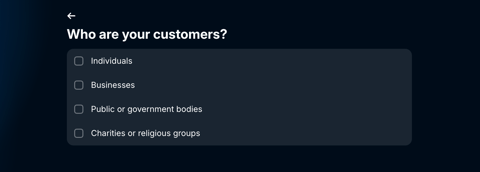
- Customers: Select the option that best describes your customer base.
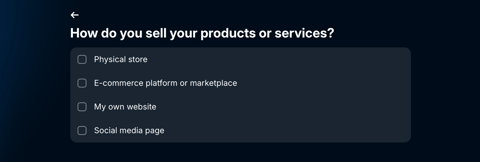
- Sales method: Indicate how you sell your products or services.
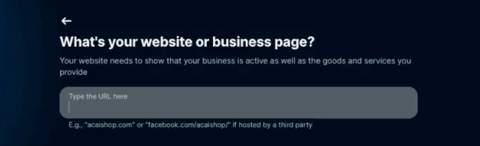
- Website: Optional. If you don’t have one, select I don’t have one.
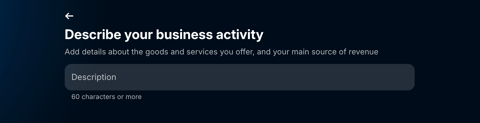
- Business activity: Describe your business activity in at least 60 words.
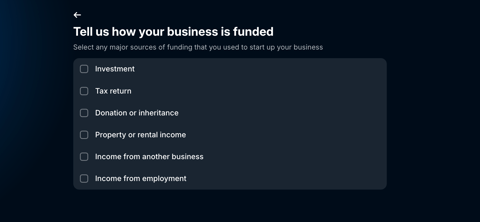
- Business foundation: Choose one or more options.
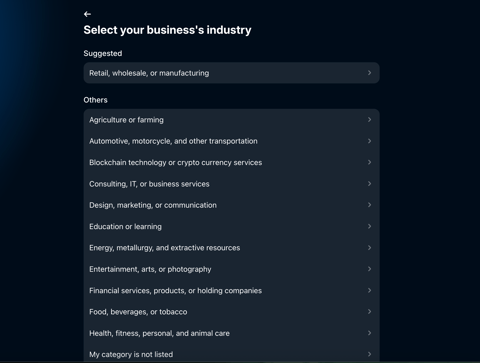
- Industry: Select the option that best reflects your business.
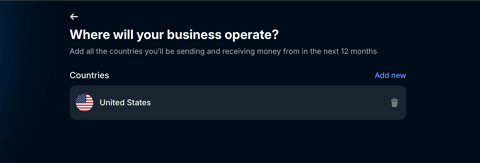
- Countries of operation: List all countries where your business operates.
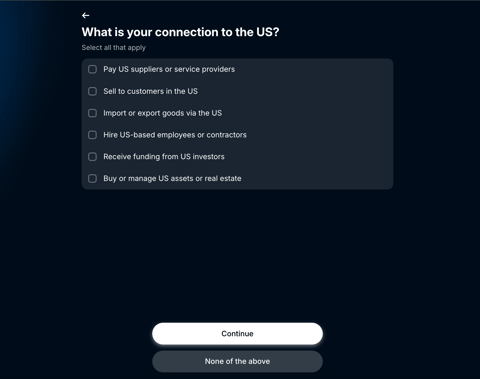
- Connection to the U.S.: select the options that apply or choose None of the above.
Business Details
-
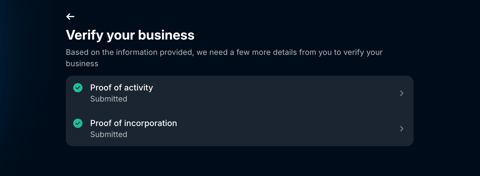
Verify your business: submit the required information.
Corporate Structure
-
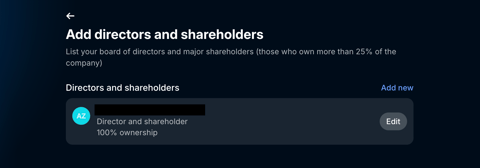
Provide details of all directors and shareholders who own more than 25% of the company.
Personal Identity
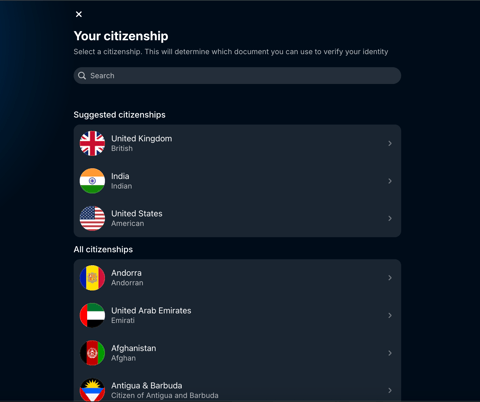
- Citizenship: indicate your nationality.
-
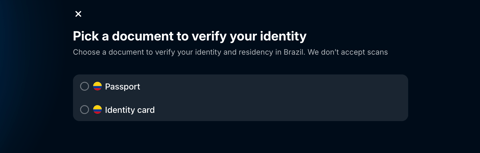
Verify your identity: Select the document you will use to confirm both your identity and your place of residence.
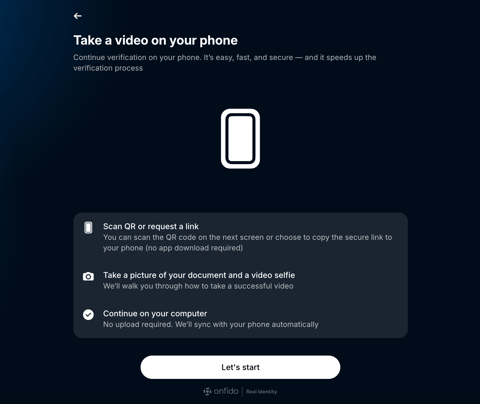
- Photo and video verification: Follow the steps on your phone, take a clear photo of your document, and record a short video selfie.
-
You will be asked to consent to biometric and sensitive data processing.
-
Plan and Card
-
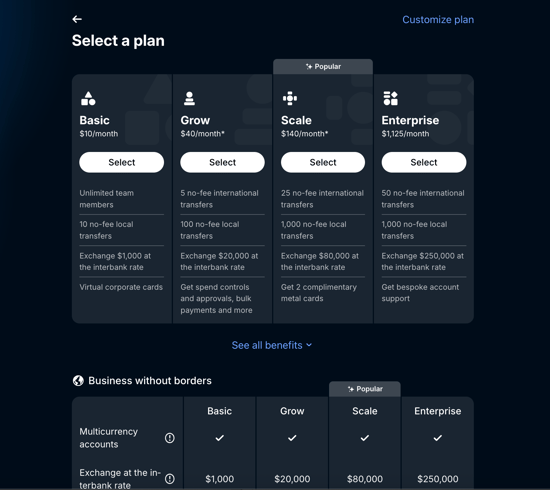
Select one of the available plans.
Final Steps
- Revolut will verify the details and contact you by email if additional documents are needed (e.g., company documents or proof of address).
- After submitting all required information, you can request your card.

If you still have any questions or need further assistance with this topic, we are here to help!
✉️ Simply contact us via email at help@globalfy.com or send a WhatsApp message to +1 (866) 428-2030. Our team will be happy to assist you.